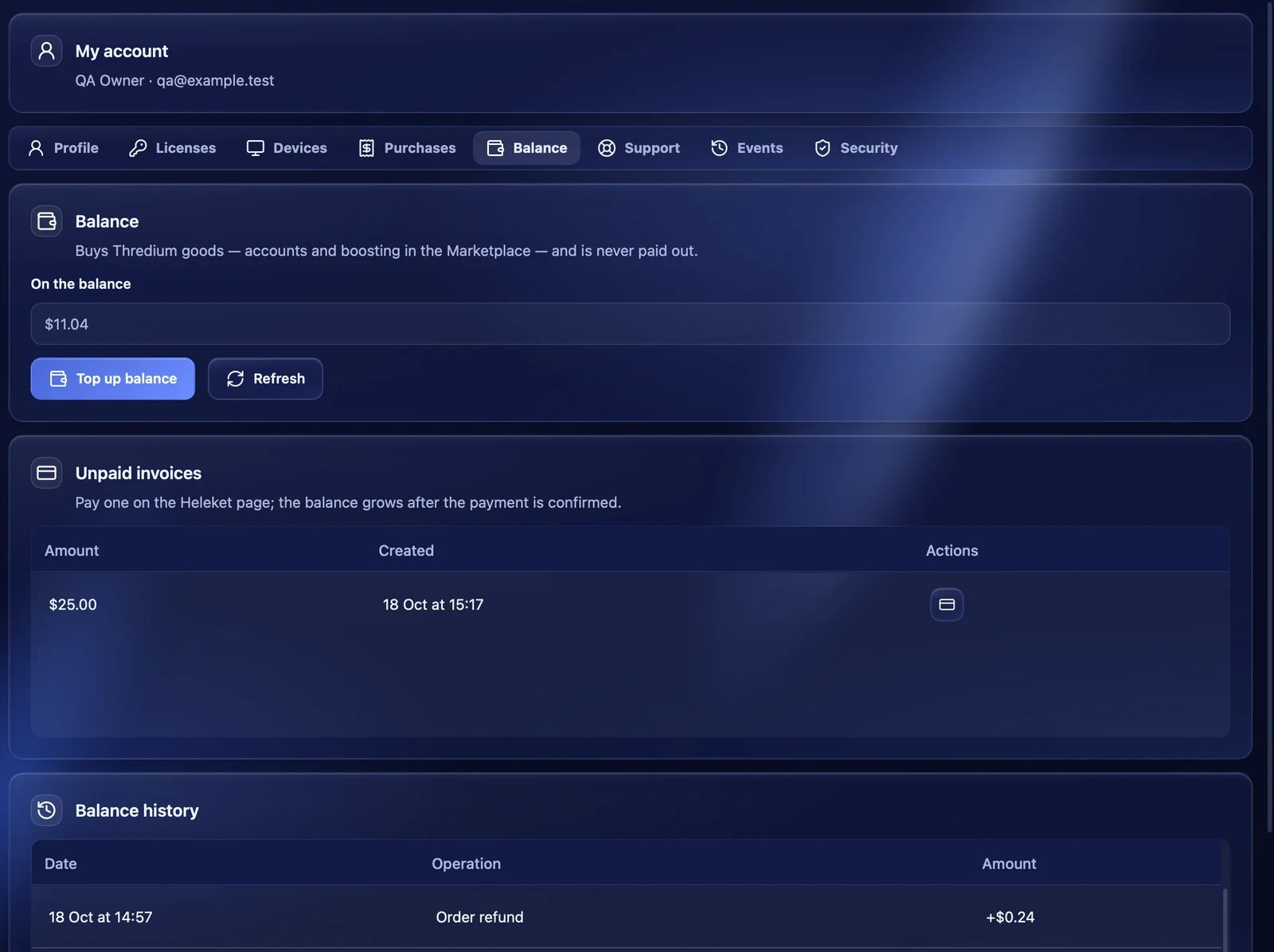
The Thredium balance is money on your account for marketplace purchases: boosting and accounts. Money for the undelivered part of an order comes back here too. The balance buys Thredium goods only and is never paid out.
The balance is shown in the profile at the bottom of the sidebar, for example "Pro · $11.04", in the profile menu, on the dashboard and in "My account → Balance".
Topping up
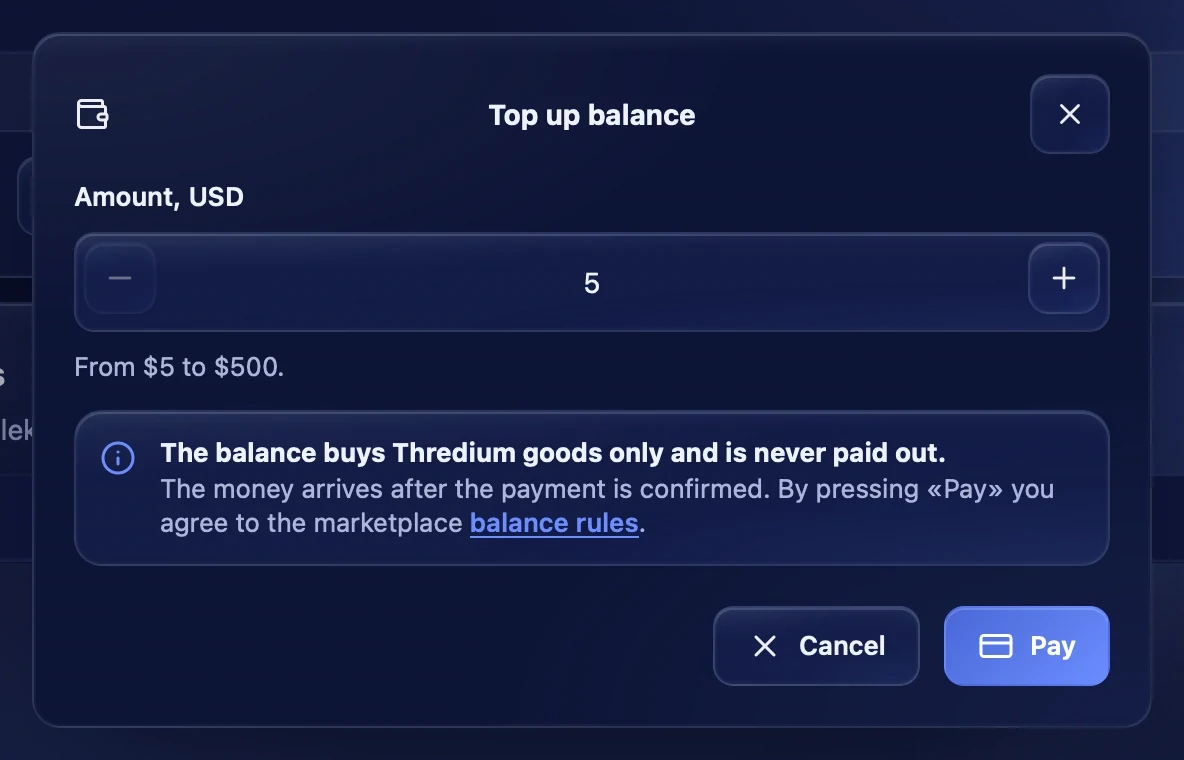
- Press "Top up balance" — in the profile menu or in "My account → Balance".
- Enter the amount in dollars — a whole amount from $5 to $500.
- Press "Pay" — the Heleket payment page opens.
- Pay the invoice. The app window notices the payment by itself and shows "Payment confirmed".
The money arrives after Heleket confirms the payment. By pressing "Pay" you agree to the marketplace balance rules — the top-up window links to them.
Unpaid invoices
If you created an invoice but did not pay it, it appears under "Unpaid invoices". You can pay it later with the button in its row. If you create a top-up for the same amount while the old invoice is still valid, the app opens the same invoice instead of a new one.
Top-up notifications
When the balance is topped up, the app shows a notification. If Telegram is connected in "Settings → Alerts" and "Balance top-ups" is on, the message comes there too. An email to the account address is also sent.
Balance history
"Balance history" lists every movement: top-ups, purchases, refunds for orders and changes made by Thredium, with the date and amount.
Recommendations
- Top up with a margin for several orders, so you do not have to pay each order separately.
- A boosting order with several links can be paid from the balance only — top it up in advance.