Posting
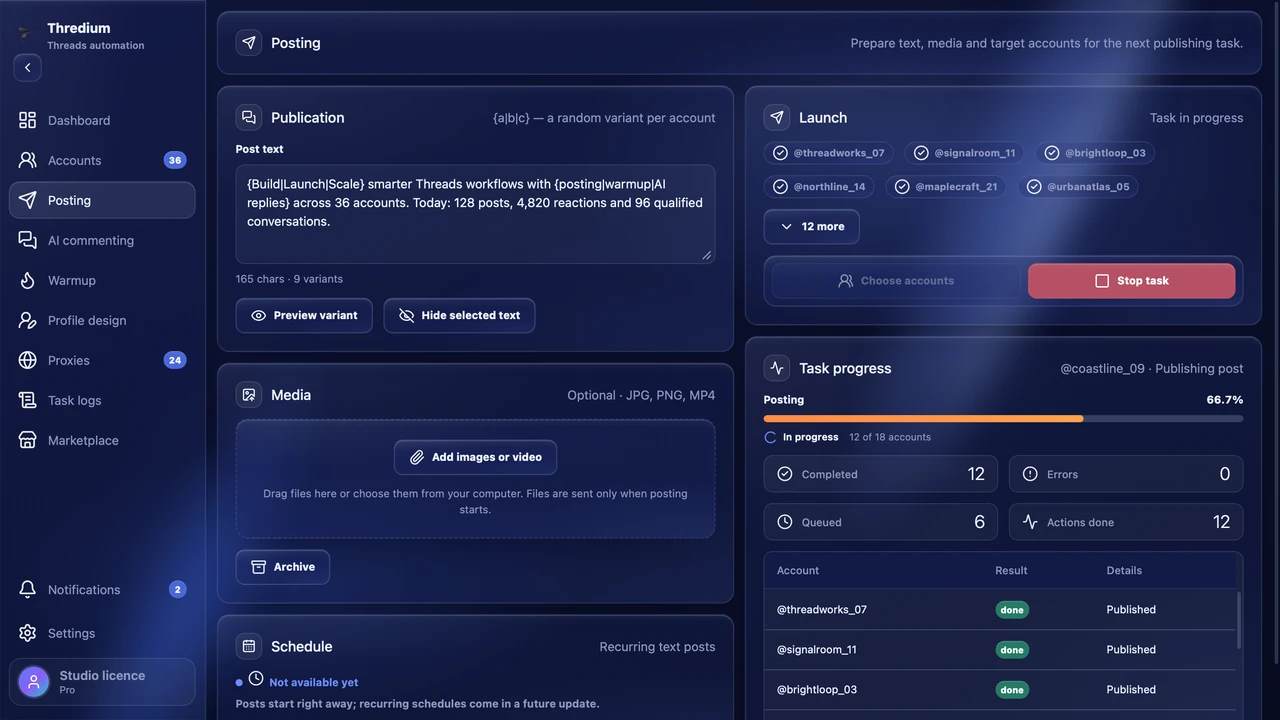
Prepare text and media once and pick the accounts. Thredium publishes in each account separately, with natural pauses.
- Spintax
- Photos and video
- Account selection
Accounts scroll the feed on your topics, like, follow and comment — gradually and at safe shares, like real people.
A new account that follows a hundred people on day one looks unnatural. Warm-up builds activity step by step.
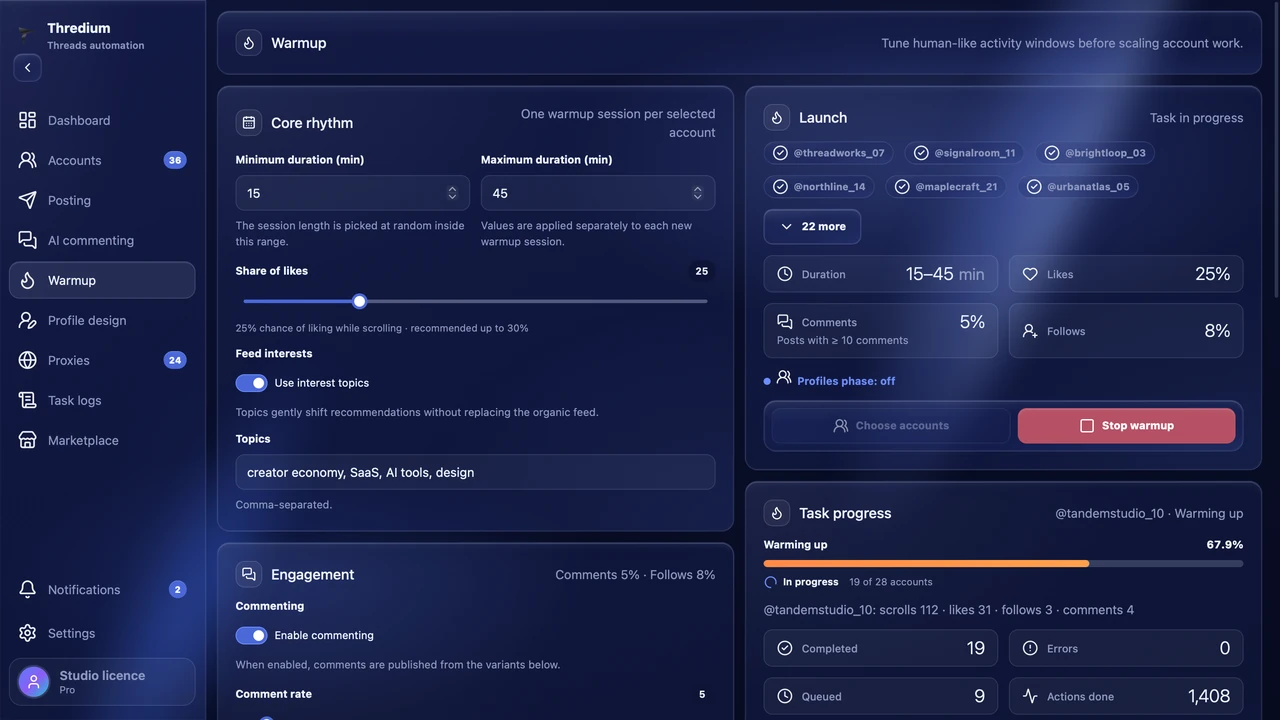
It scrolls the feed and at 30% likes about every third post. The session length is random within your range, so accounts don't finish together.
15–45 minutes by defaultThe account searches Threads for your topics and scrolls the posts it finds. The last ~20% of the session is the ordinary feed.
Up to 4 topics per sessionThe follow share is set on its own. Above 10% the app warns in yellow, above 25% in red.
Safe up to 10%Comments from your variants separated by |, with braces {…|…} and optional photos. For AI replies there is AI commenting.
Safe up to 5%At the end of the session the account opens the listed profiles: follows, scrolls and likes posts — up to 20 likes per profile.
Up to 200 usernames per taskA like, follow or comment counts only when the app has seen its result on the page. The course for every account is in the task logs.
Task logs · TelegramA warmed-up account then gets its profile designed, posts and comments — all in one app, with its own proxy and browser profile.
Prepare text and media once and pick the accounts. Thredium publishes in each account separately, with natural pauses.
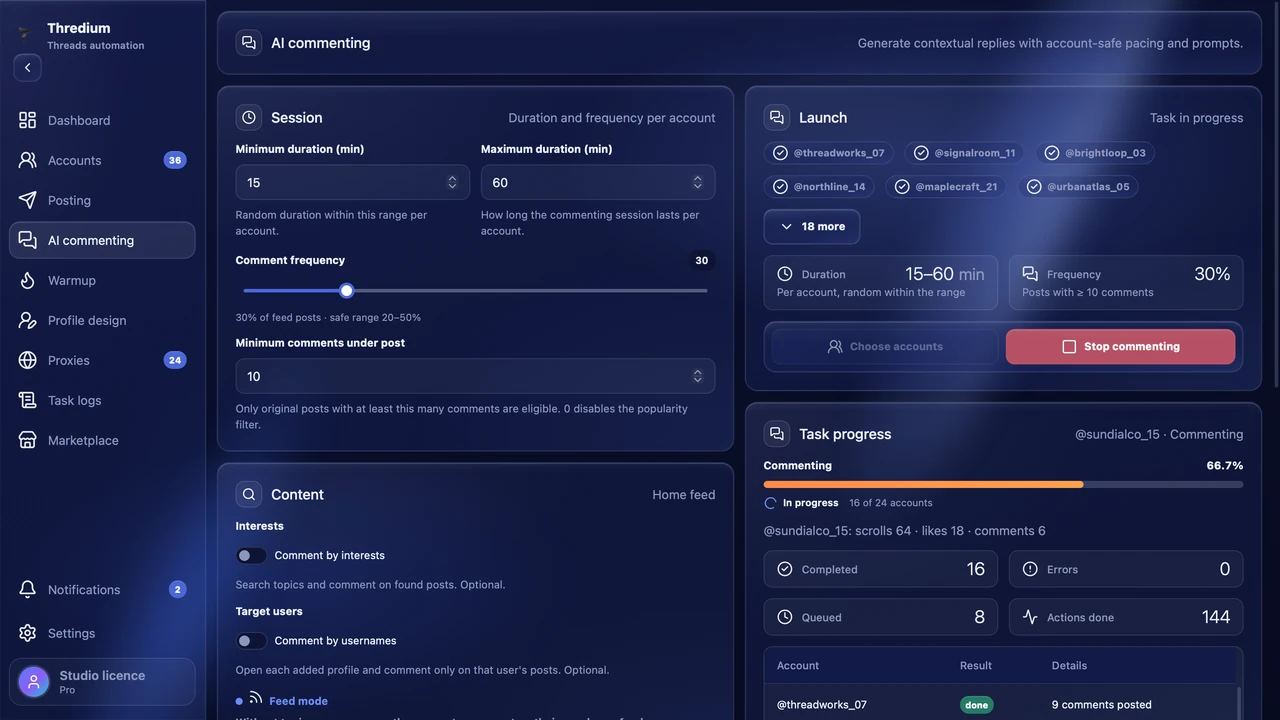
Thredium reads the post and writes a reply that follows it, in the language of the post. Your prompt sets the tone. It works with your own AI provider API key. Available in Pro.
Accounts gain activity step by step: likes, views, follows and pauses. Limits and the order of actions follow the warm-up mode.
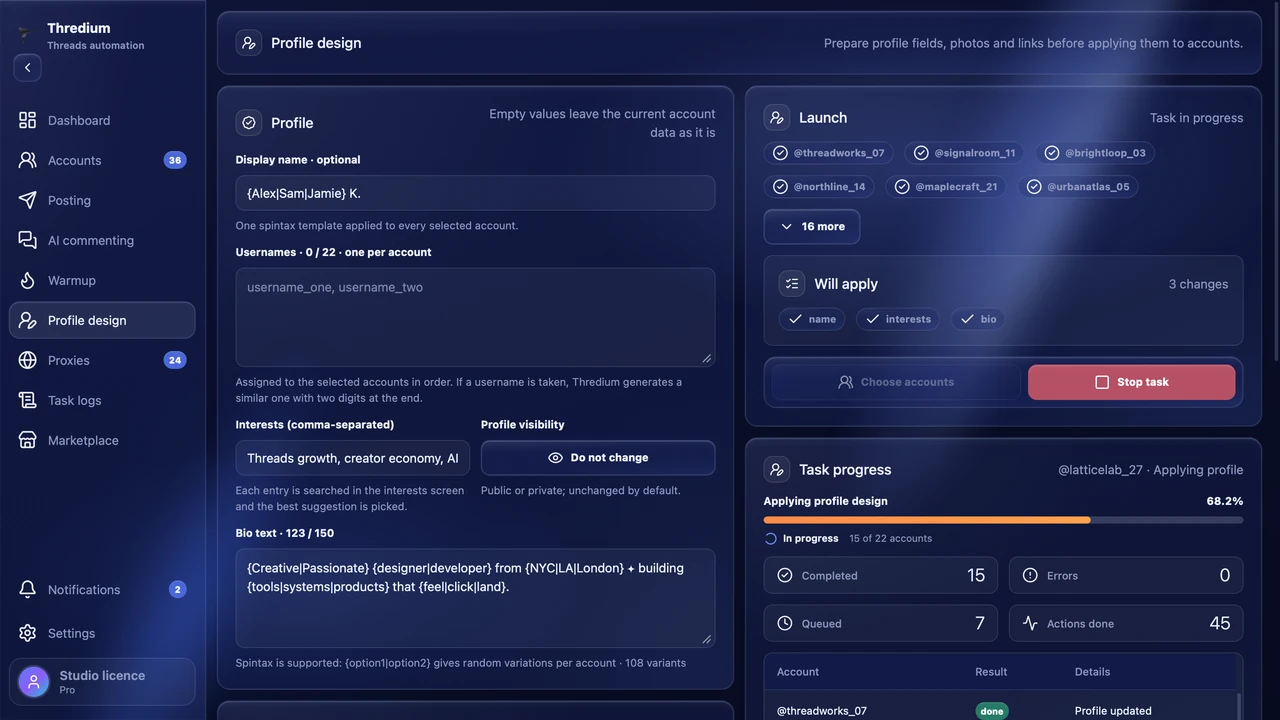
Name, bio, avatar, links and privacy change in one go. Thredium shows which changes were actually saved.
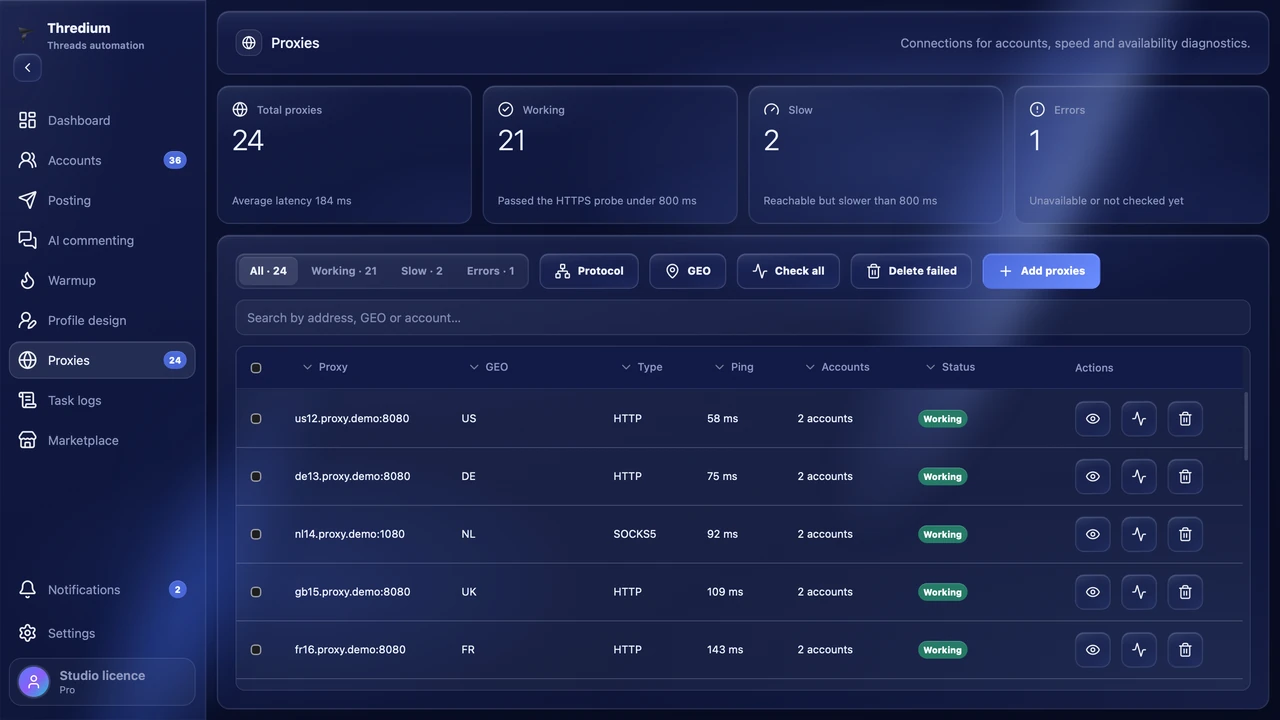
You can give each account its own proxy and check the connection. If most accounts on one proxy get restricted, Thredium flags it as unstable and tells you.
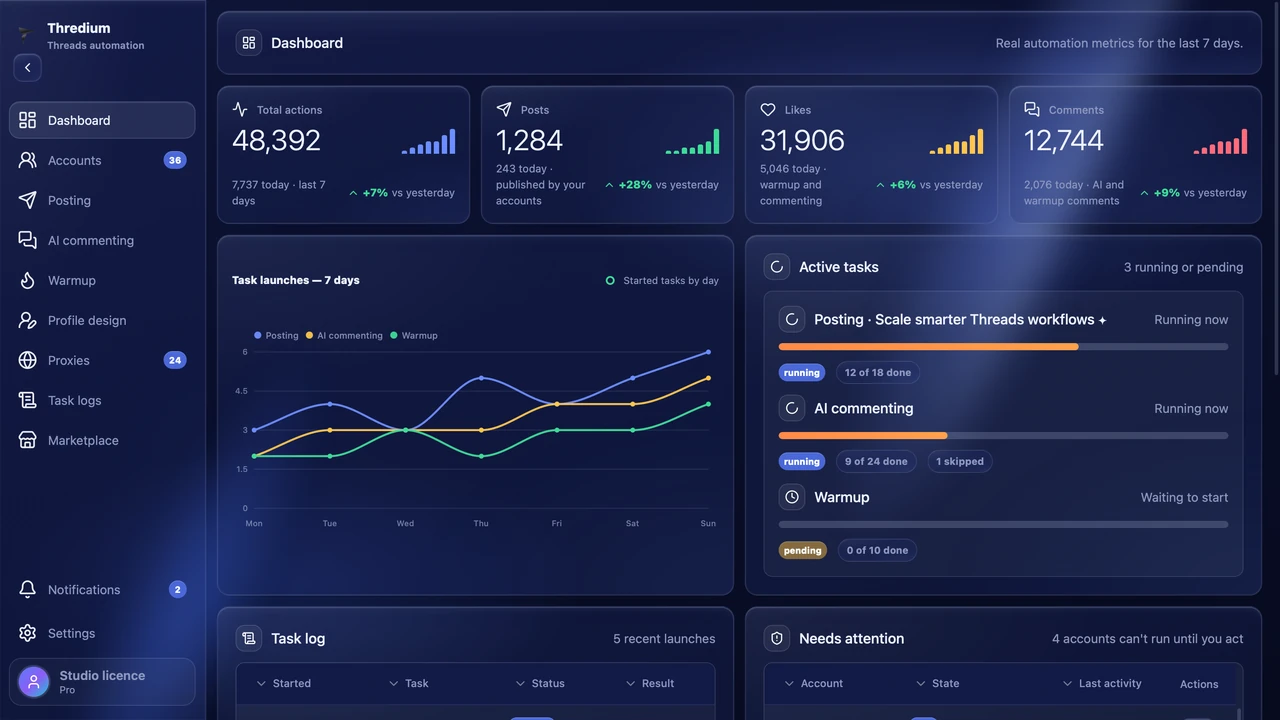
See what is running, what finished and which accounts need attention without opening every browser session.
Import as login:pass:2FA lines; every account gets its own browser profile and proxy.
Length, like share and interest topics. Follows and comments are optional.
One session per account — now or on chosen weekdays with the schedule.
Posting, warm-up and profile design are in every paid plan. AI commenting is in Pro.
1 day from the first launch · 1 account · 1 proxy · posting and profile design. The key comes right after you sign up in your account.
Install the app, add an account and a proxy and run a first session with likes only.
Did not find the answer? Check the documentation or write to us using the form below.
Open the documentationTell us how many accounts you plan to manage and what you want to automate. We’ll help you choose a plan and answer your product questions.
Prefer email? Write to support@thredium.app