Posting
Prepare text and media once and pick the accounts. Thredium publishes in each account separately, with natural pauses.
- Spintax
- Photos and video
- Account selection
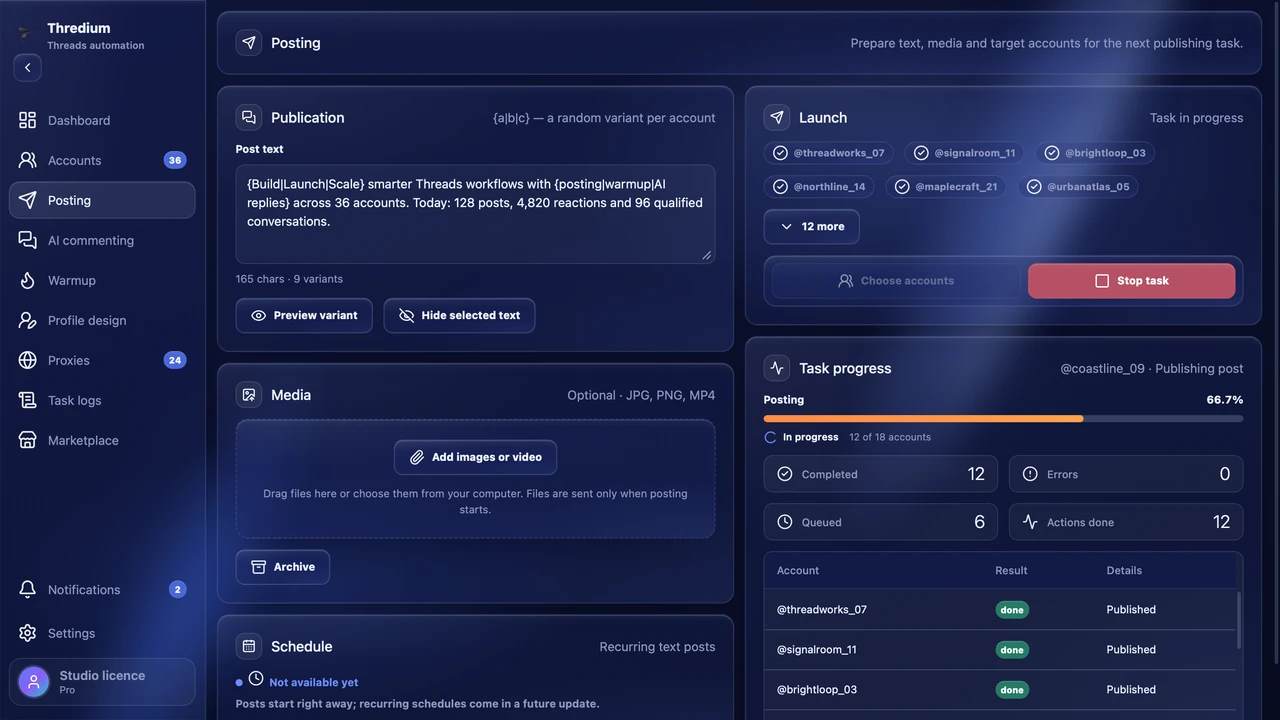
One post from dozens of accounts at once. Each gets its own text variant, its own photos and its own proxy. Now or on a schedule.
The same text from ten accounts looks like spam. Thredium hands out texts, files and timing so the posts don't repeat each other.
Write variants in braces: {Good morning|Hi}. Each account picks its own, and «Preview variant» shows how readers will see the post.
Spintax · up to 500 charactersJPG, PNG and MP4. All files in every post, one per account or several as a carousel — up to 50 files to hand out.
Carousels · up to 10 files per postHide a promo code or part of the text under a spoiler, and blur photos and video until they are tapped.
Text · mediaOnce or on chosen weekdays. If the computer was asleep, the run is not lost: a notice comes with a «Set a new time» button.
Schedule · noticesEvery account posts from its own browser profile, with its own cookies and through its own proxy.
Profile · cookies · proxyWhat was published, what was not and why — in the task logs. A summary comes to Telegram.
Task logs · TelegramAn account goes the whole way in one app: proxy, warm-up, profile design, posting and AI commenting. Posts go out from accounts that already look alive.
Prepare text and media once and pick the accounts. Thredium publishes in each account separately, with natural pauses.
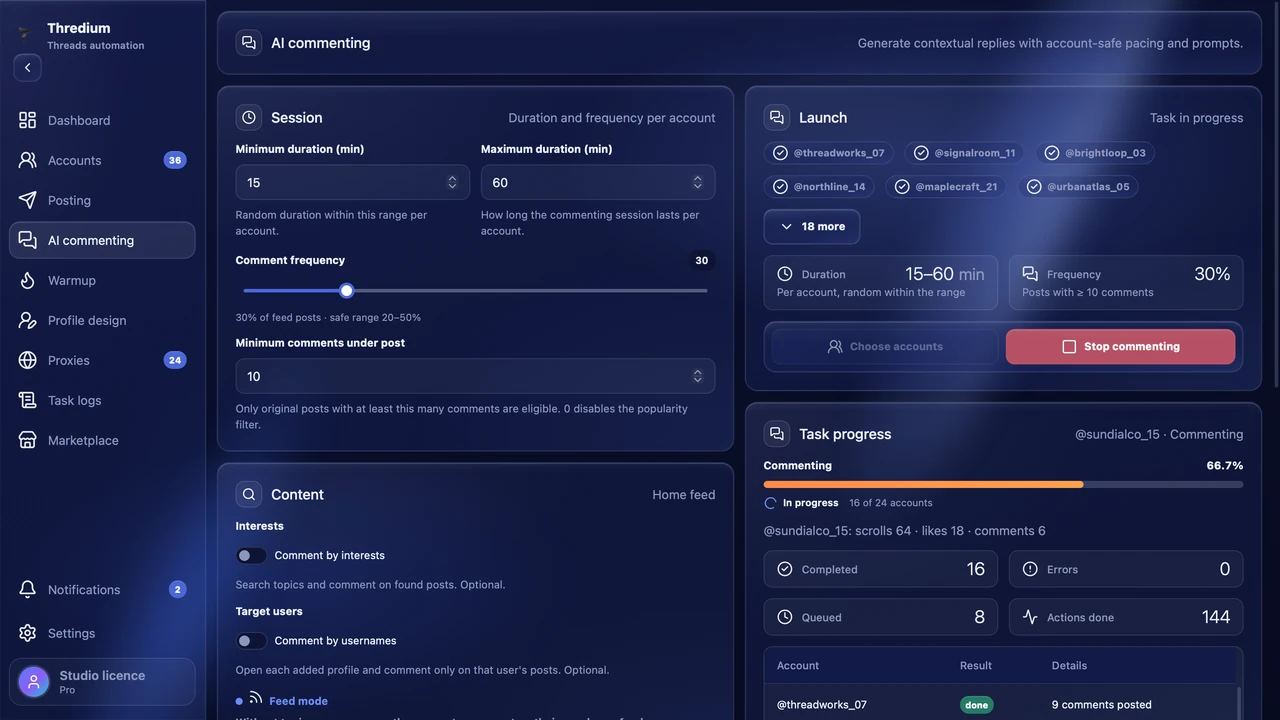
Thredium reads the post and writes a reply that follows it, in the language of the post. Your prompt sets the tone. It works with your own AI provider API key. Available in Pro.
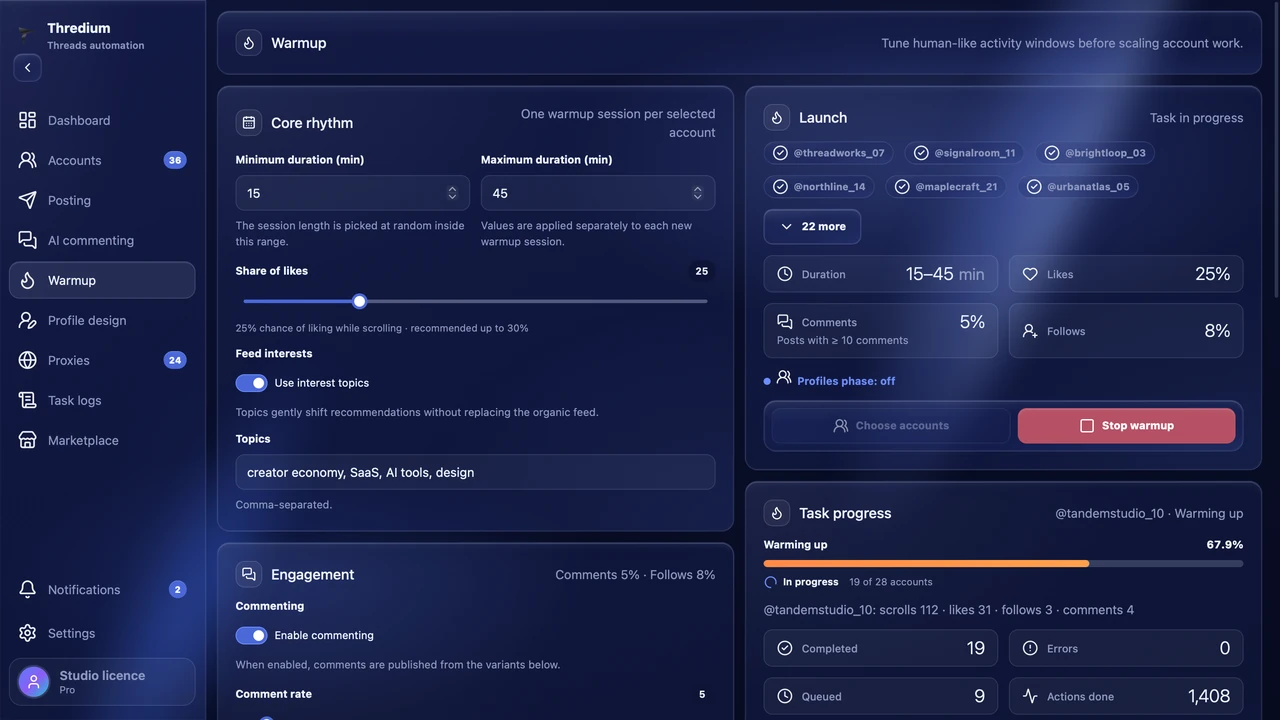
Accounts gain activity step by step: likes, views, follows and pauses. Limits and the order of actions follow the warm-up mode.
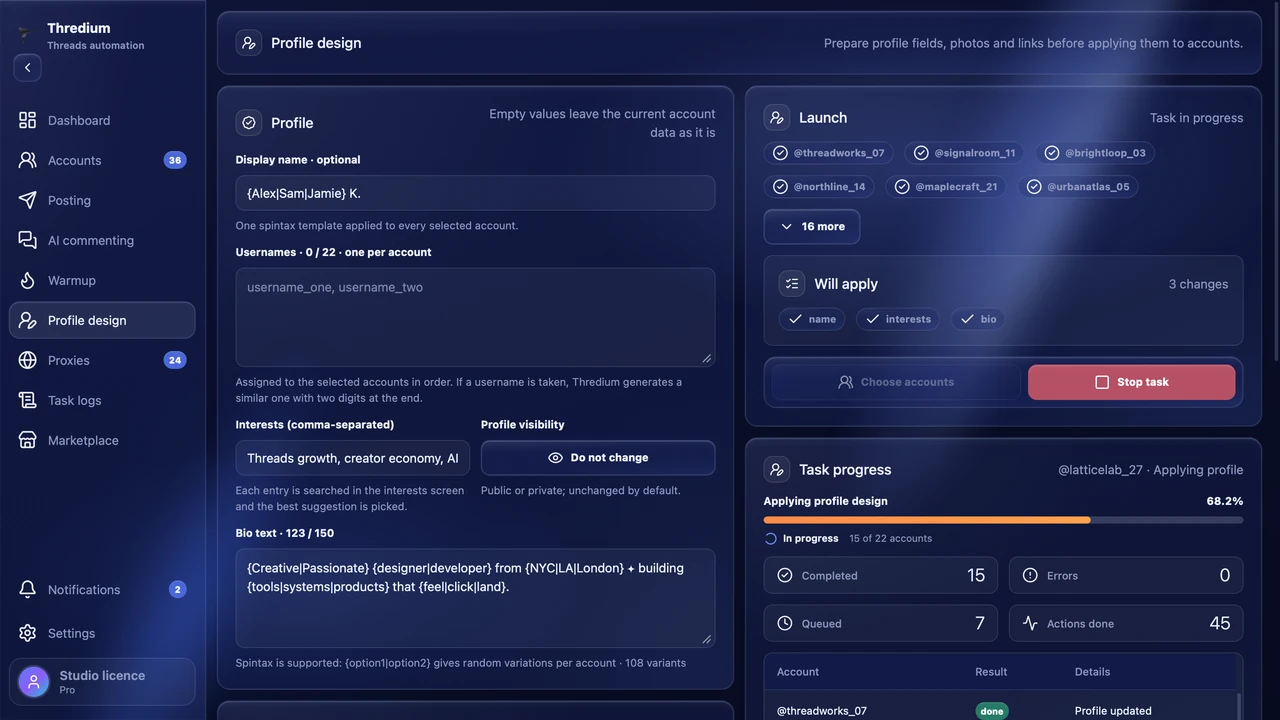
Name, bio, avatar, links and privacy change in one go. Thredium shows which changes were actually saved.
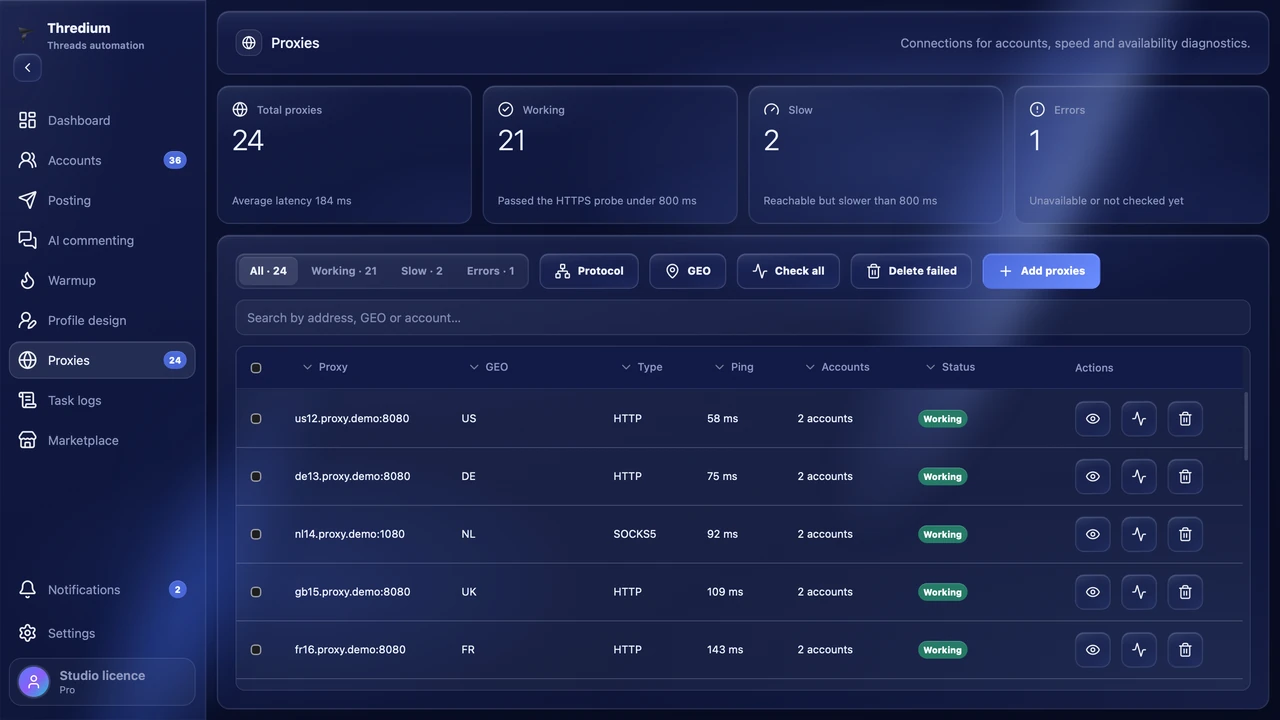
You can give each account its own proxy and check the connection. If most accounts on one proxy get restricted, Thredium flags it as unstable and tells you.
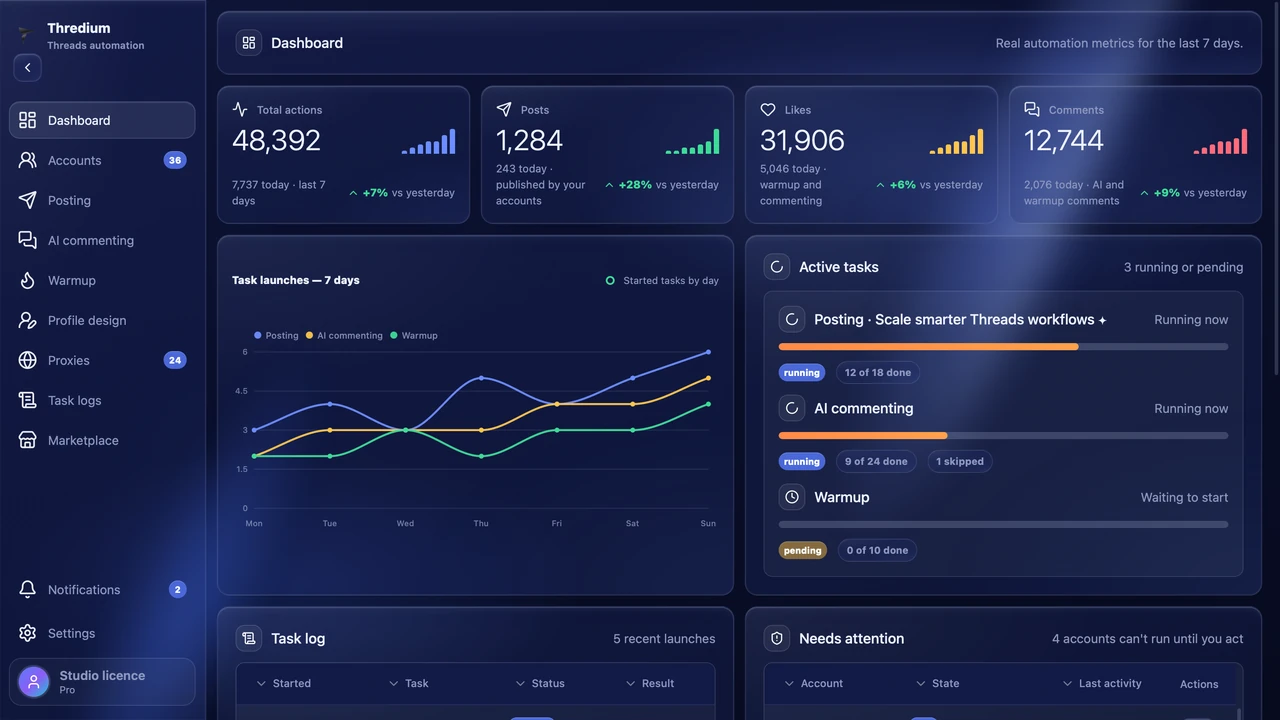
See what is running, what finished and which accounts need attention without opening every browser session.
Import as login:pass:2FA lines; every account gets its own browser profile and proxy.
Text with variants, photos or video, and how to hand them out to the accounts.
Now or on a schedule. The outcome for every account is in the logs and in Telegram.
Posting, warm-up and profile design are in every paid plan. AI commenting is in Pro.
1 day from the first launch · 1 account · 1 proxy · posting and profile design. The key comes right after you sign up in your account.
Free access for 1 day: 1 account, 1 proxy, posting and profile design.
Did not find the answer? Check the documentation or write to us using the form below.
Open the documentationTell us how many accounts you plan to manage and what you want to automate. We’ll help you choose a plan and answer your product questions.
Prefer email? Write to support@thredium.app